Component shortcut
June 2025
Custom shortcut feature for design components to reduce friction and avoid digging through the library every time.
Beginning
I wanted the system to feel more like muscle memory than a plugin. Each shortcut can be smart, reusable, and personal. I explored the idea of stacking commands, quick switching, and even contextual sets for things like forms or navbars.
Suggestions
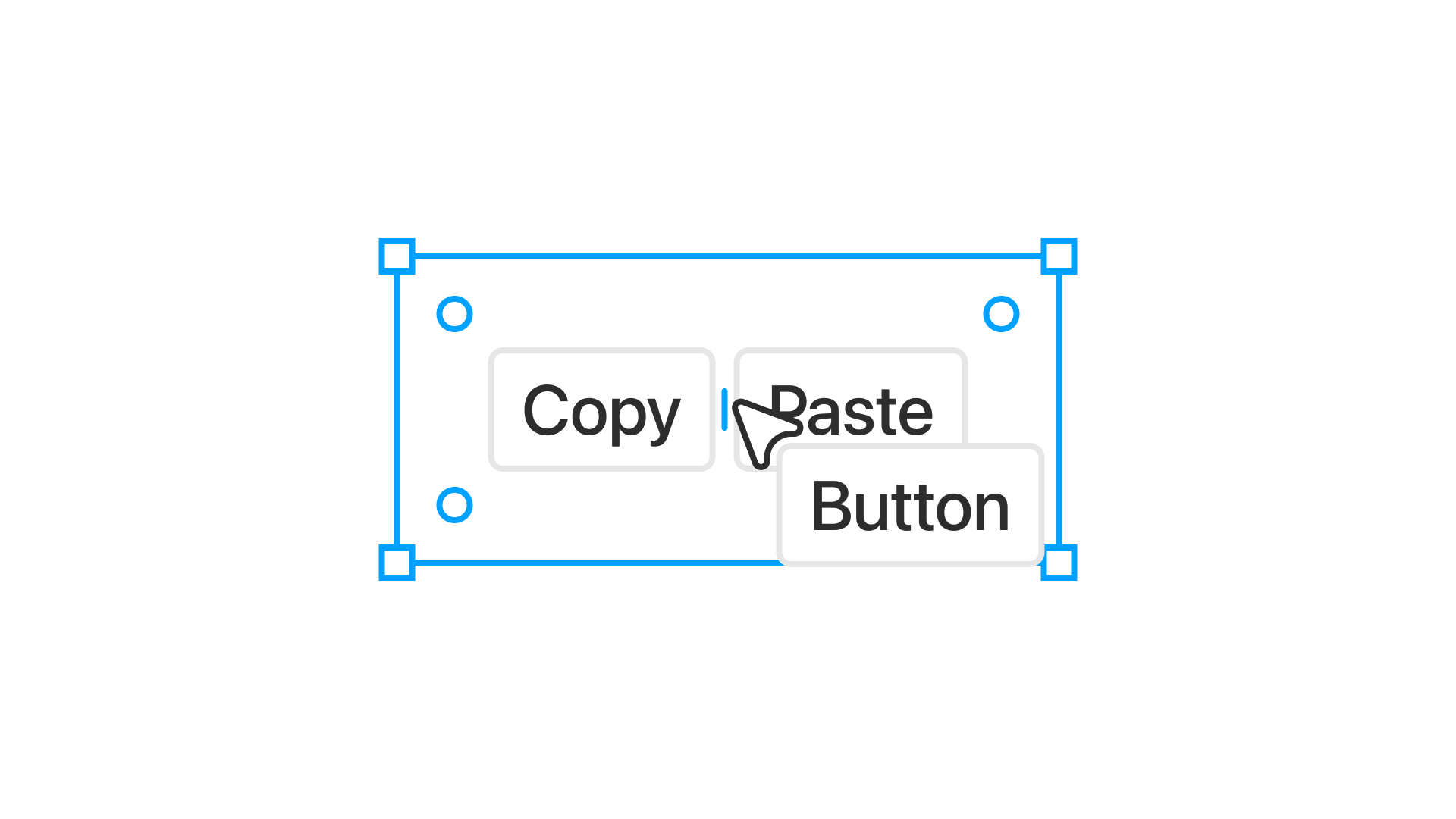
When you trigger the shortcut tool, suggestions appear based on the group of elements your cursor is hovering over. If you’re near a cluster of buttons, it might suggest the primary button. If you’re around input fields, it could prompt an input component. It’s subtle and context-aware.
Settings
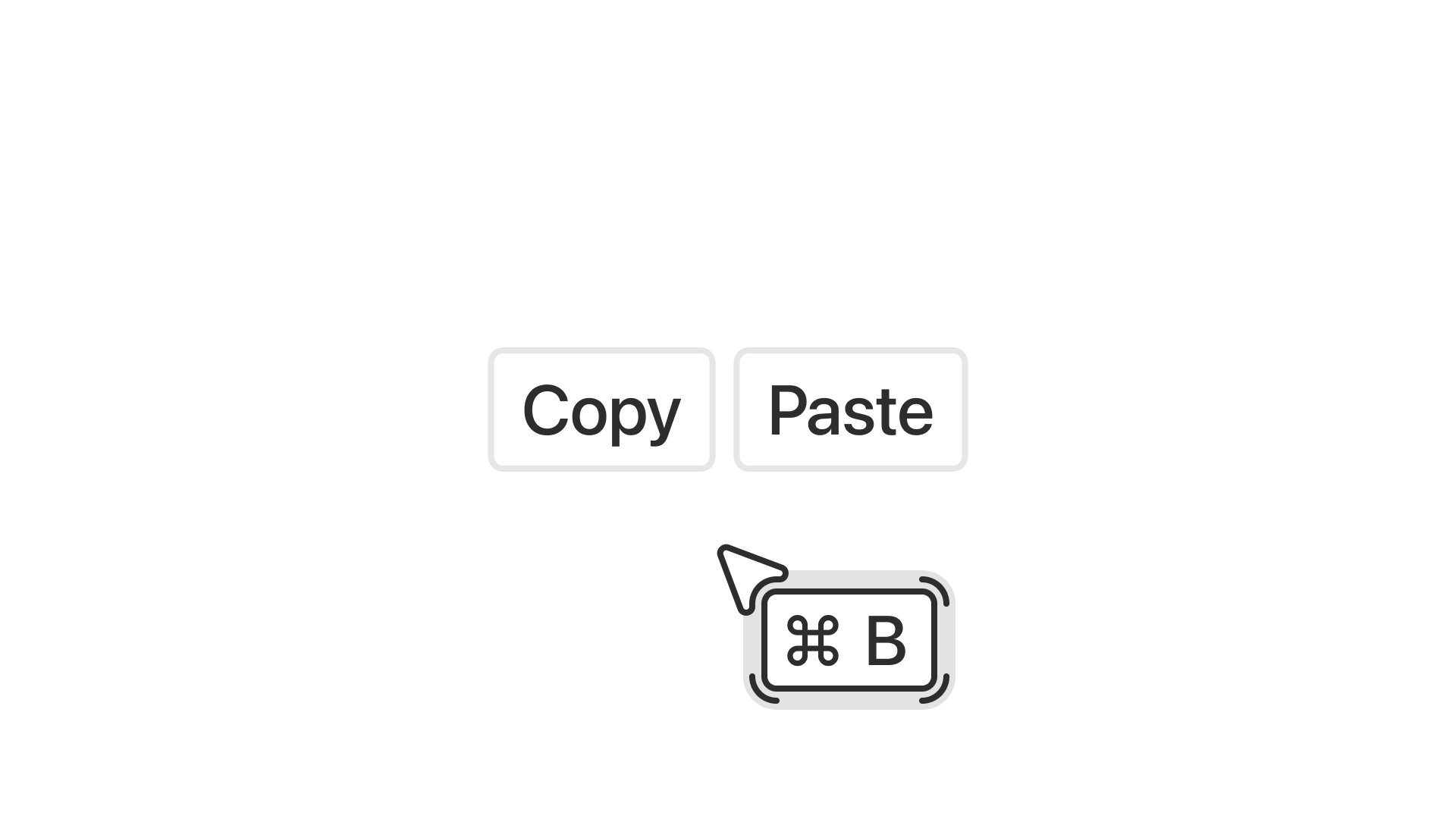
You can assign a shortcut directly inside the component using a key combination. The idea is to keep it fast and out of the way, just like setting a prototype link or a variant state.
Design and interaction
The visual is intentionally unusual. It doesn’t look like a tooltip or a system dialog. It floats like a sticker, with just enough character to make you remember it without breaking the interface.